E-mails can be added from the client area or the control panel.
Adding e-mails in the control panel
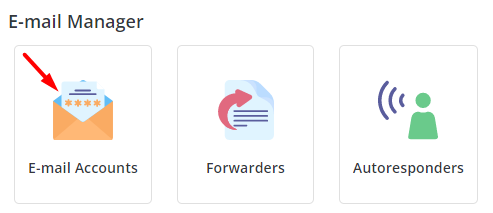
Once you have logged in to your control panel scroll down to E-mail Manager and click on E-mail Accounts.
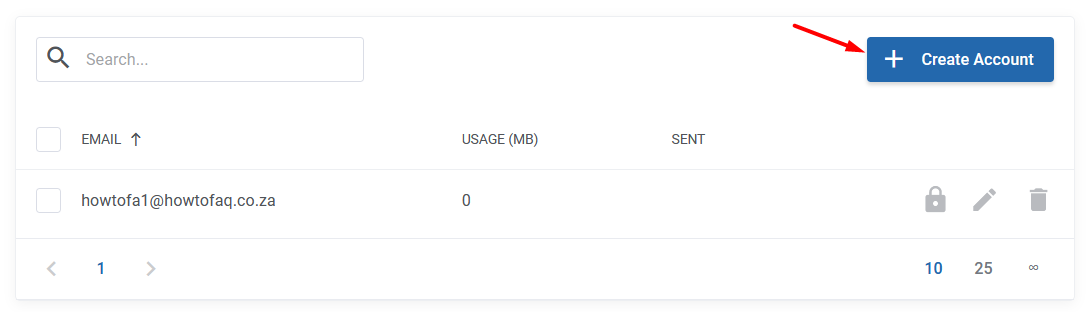
Click on Create Account.

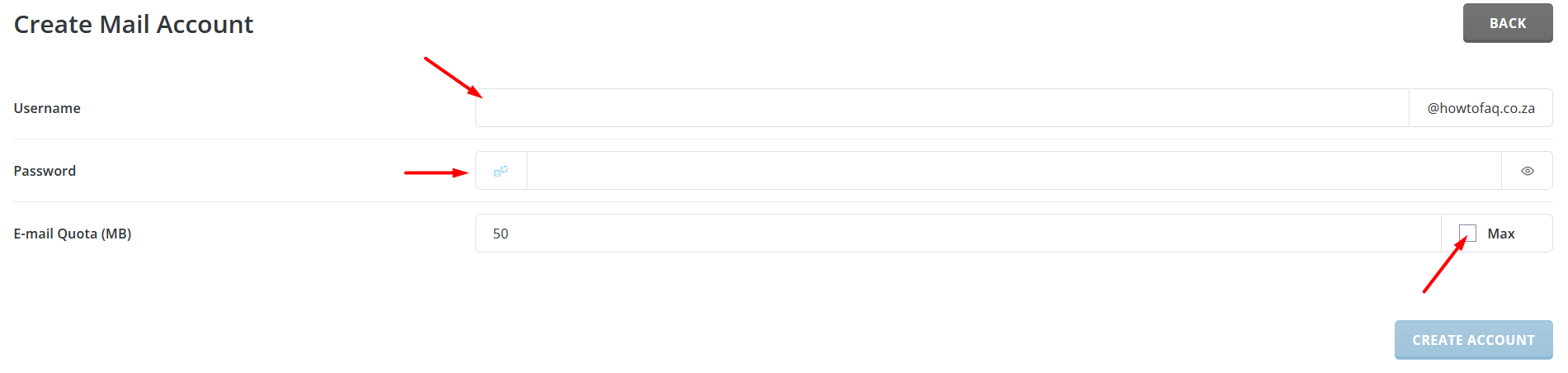
Add your e-mail address then click on the small dice to generate a password. Check the Max box. If you would like to add a limit to the mail box size un-check the Max box and enter the limit. Then click on Create Account. Copy and save your e-mail details.
Adding e-mails in the client area
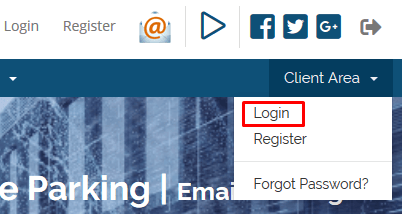
Log in to your client area
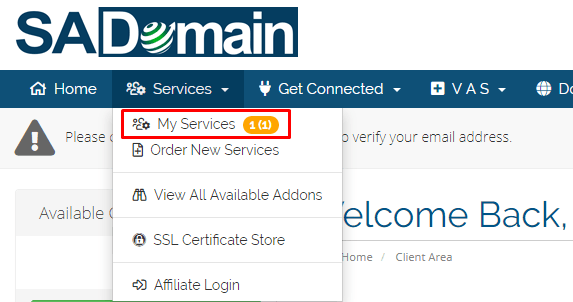
Click on My Services.
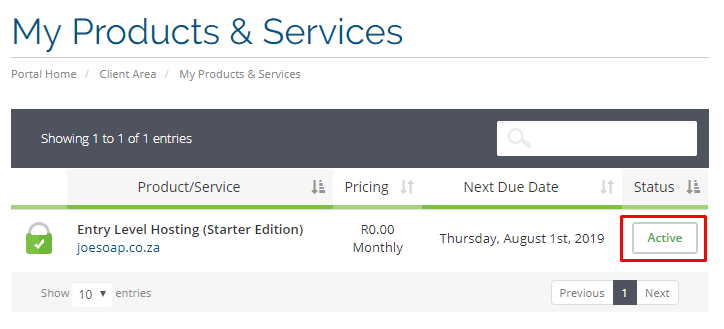
Click on the active link of the domain to add e-mails.
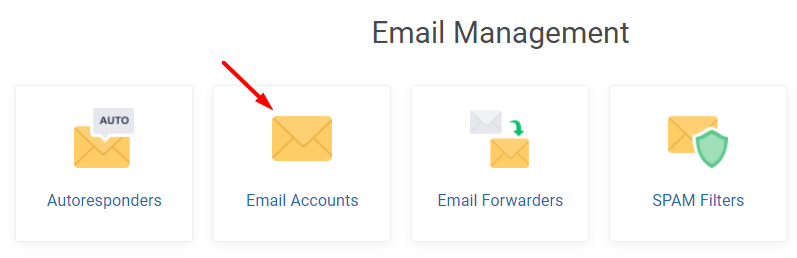
Then scroll down to Email Management and click on email accounts.
Click on Create Account.
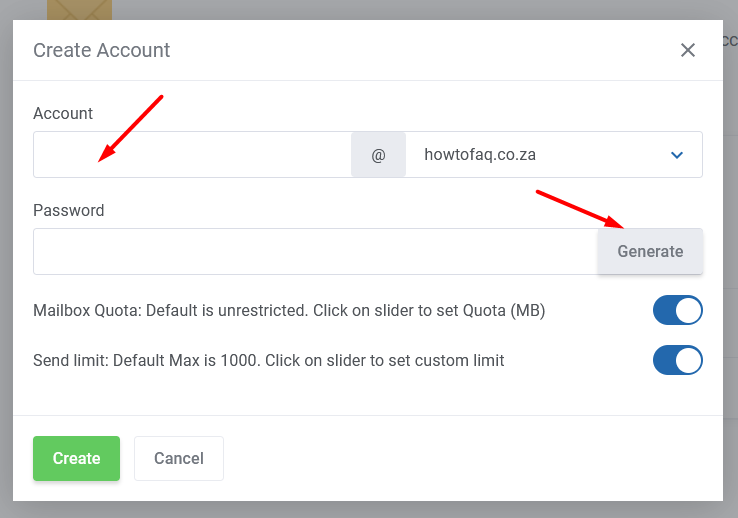
Enter your e-mail address and click on Generate a password. Then click on the Create button and save your details.