1. Log in to your client area and click on services
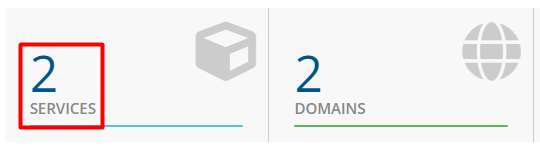
2. Click on the Active link

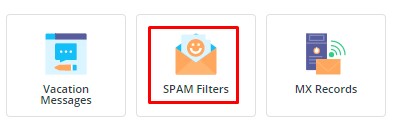
3. Scroll down to E-mail Manager and click on SPAM Filters
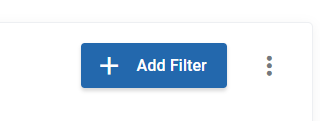
4. Click on Add Filter
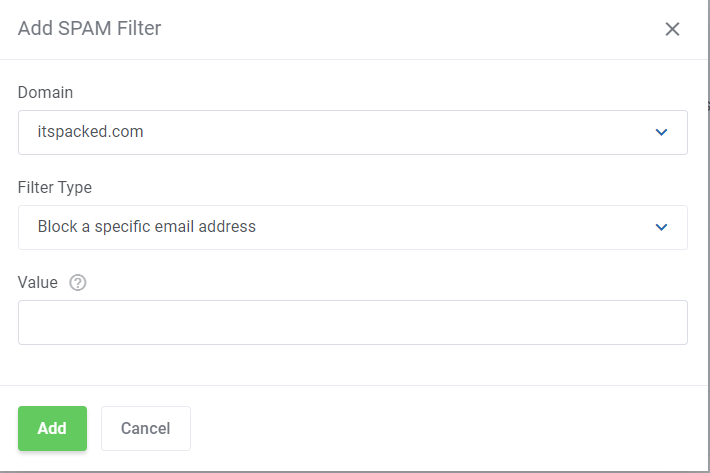
5. Choose your filter type and click Add
1. Log in to your client area and click on services
2. Click on the Active link
3. Scroll down to E-mail Manager and click on SPAM Filters
4. Click on Add Filter
5. Choose your filter type and click Add
Before you can set an e-mail account up in your favourite e-mail application, it must be added to...
1. Once logged in to the control panel scroll down to "Extra Features" and click on "ConfigServer...
1. Once logged in to the control panel scroll down to "Extra Features" and click on "ConfigServer...
1. Sign in to Direct Admin, and Select Email Accounts 2. Click The Plus Sign...
Copyright © 2026 SA Domain Internet Services. All Rights Reserved.
Protection of Minors info | Resources for Children and Teens | Terms Of Service | Privacy Policy | PAIA | Acceptable Use Policy | POPI Act
Payments can also be made through Netcash which accepts the following payment methods: